Product & news
Guest Access: share work without the workarounds
Last updated 17 February, 2026
2 mins
Phew, project done. It’s time to share the final version.
But sometimes the handoff feels like a whole extra project.
You’re juggling transfer tools, creating temporary accounts and chasing people to install software. All the while, versions are multiplying across inboxes and Slack threads.
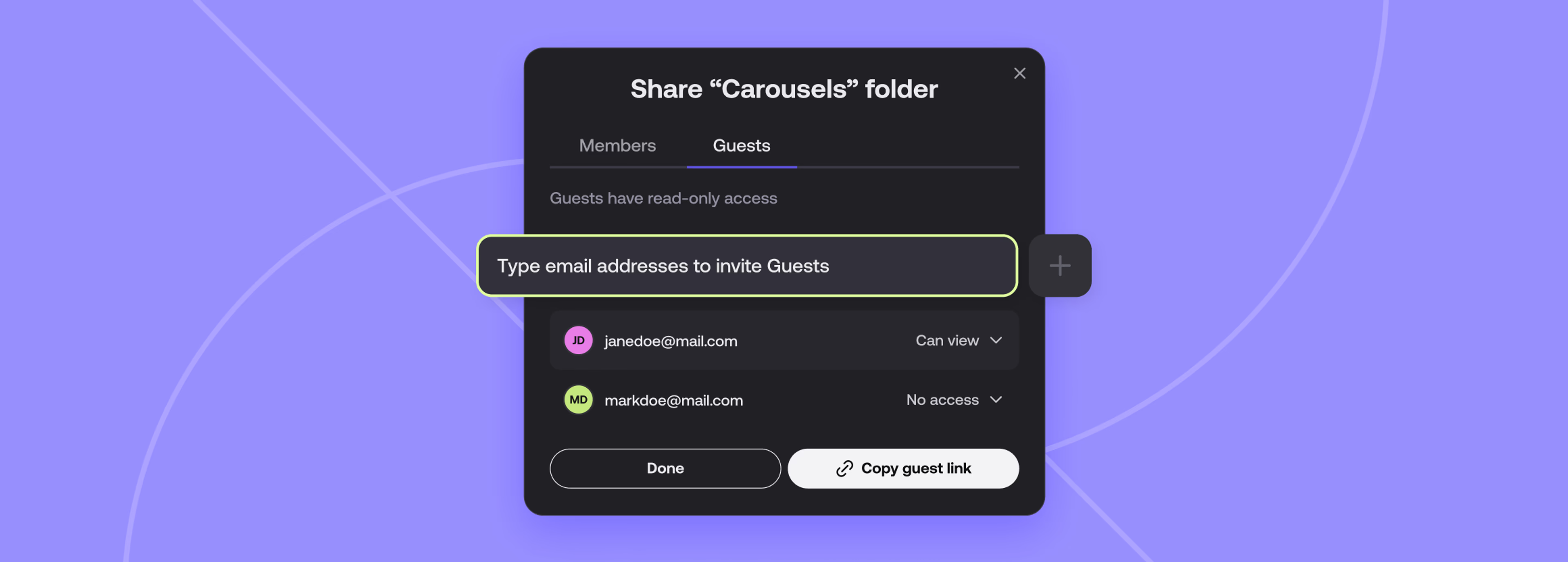
Guest Access changes that. It's a simple, secure way to share work from your LucidLink filespace with external collaborators — no extra tools, no paid seats and no account creation.
What is Guest Access?
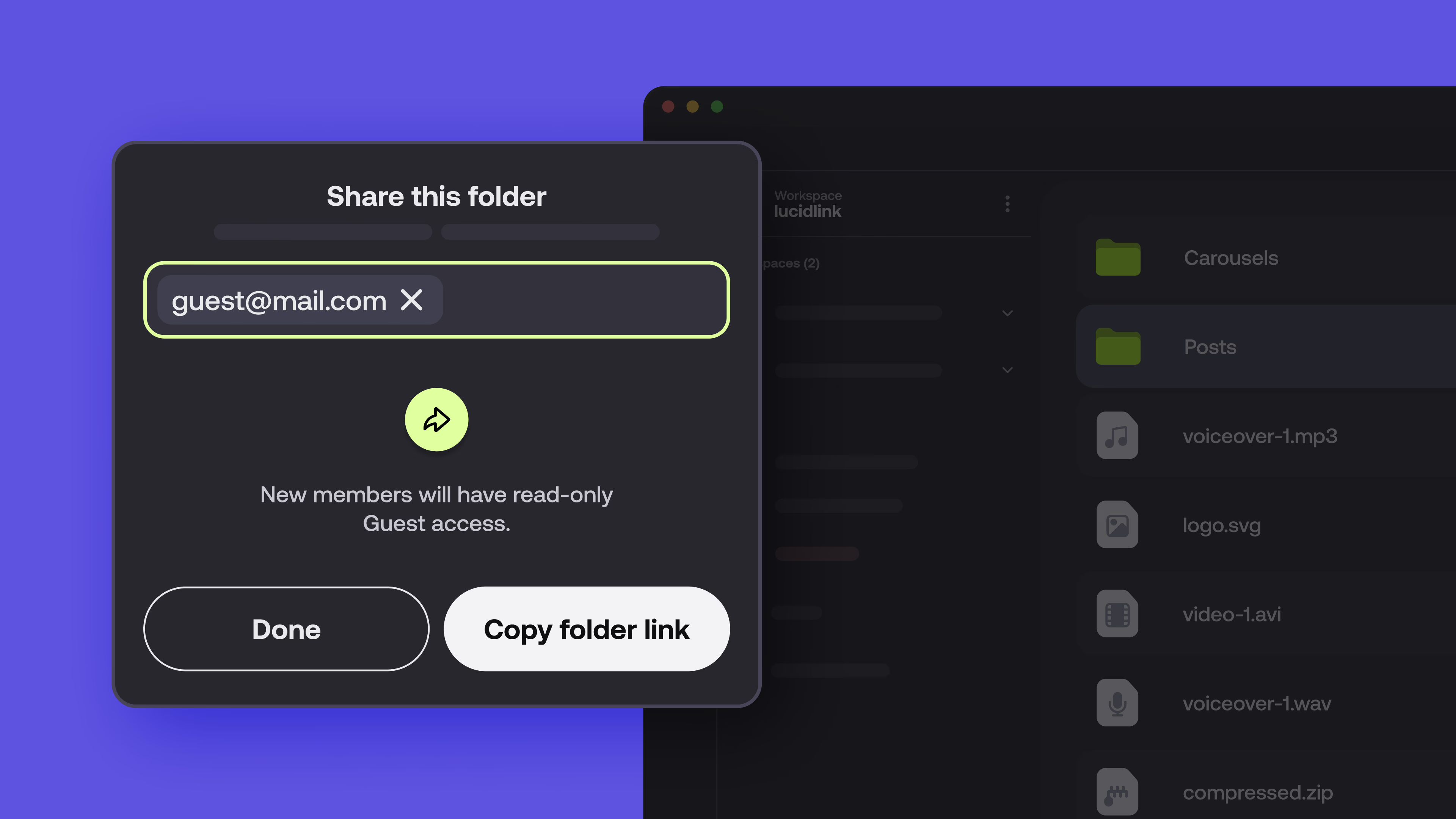
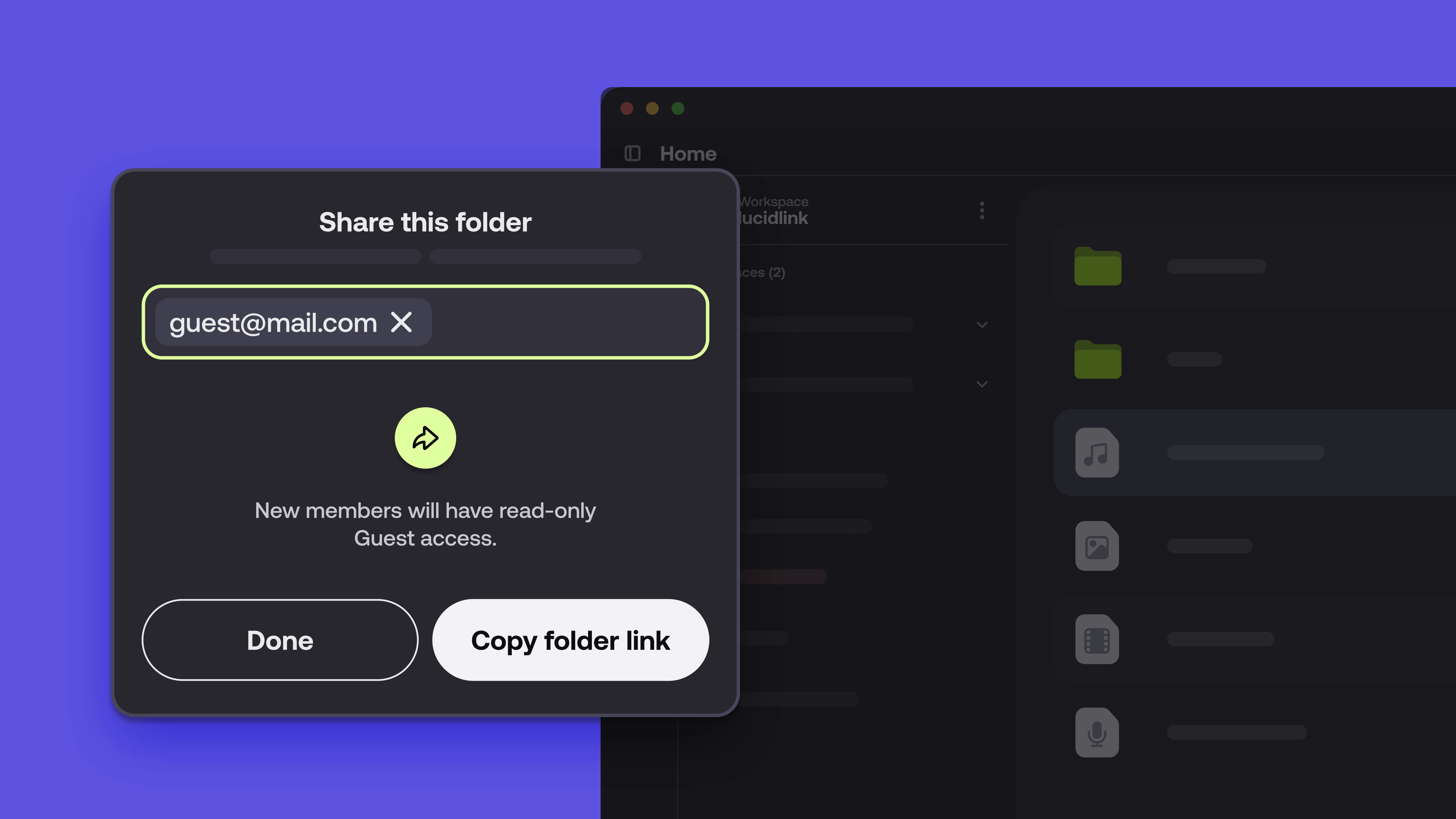
Guest Access lets you grant secure, browser-based access to specific folders in your LucidLink filespace. It’s perfect for review, delivery or sharing final assets with collaborators who don’t have LucidLink accounts.
What guests can do:
View files via a web browser
Download files (you control permissions)
Authenticate with a temporary email code — no passwords required
What they don’t need:
A LucidLink account
Any software or setup
A paid user seat
Why it matters
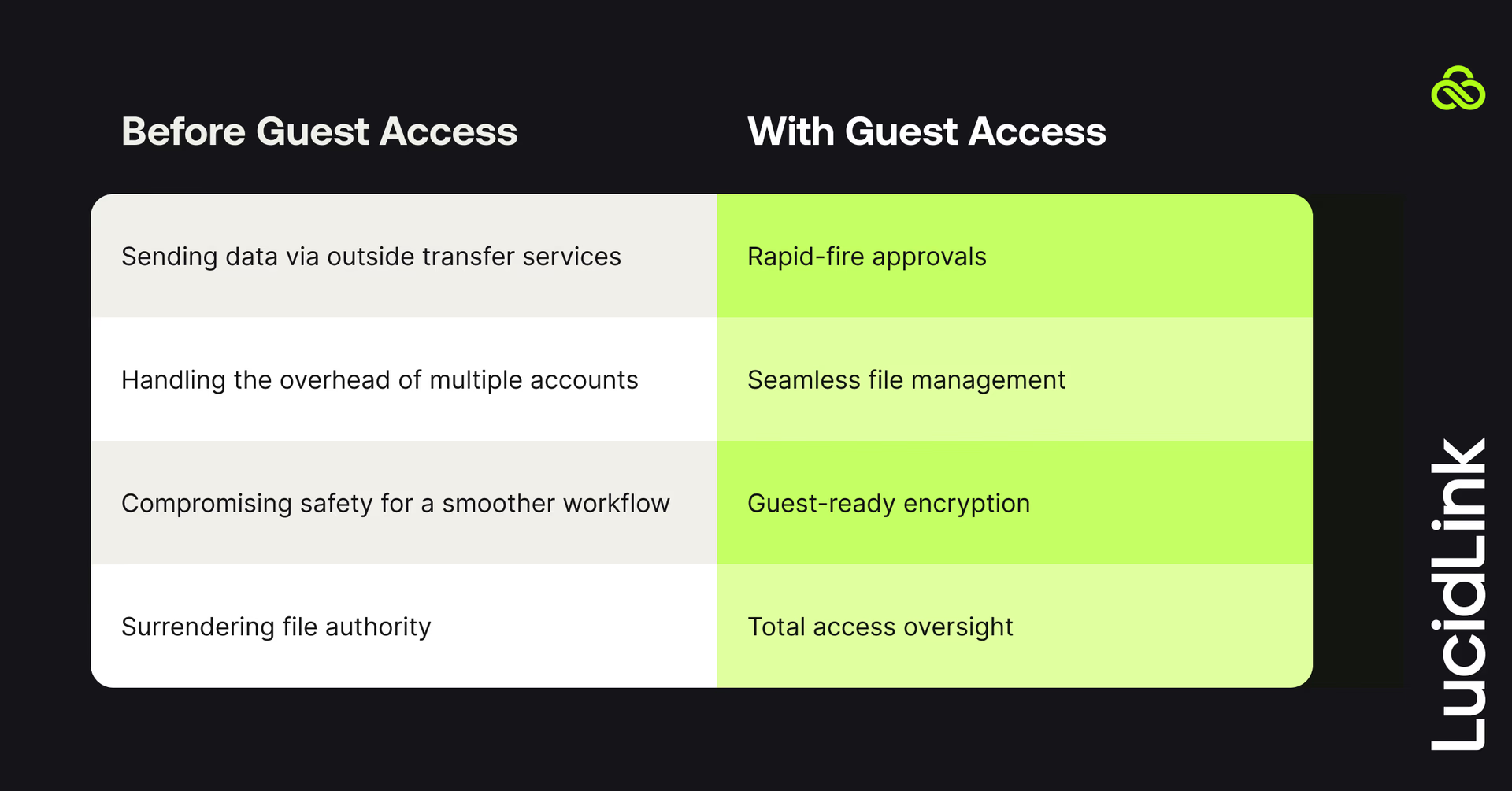
Before Guest Access, external sharing often meant:
Uploading files to a third-party transfer tool
Managing extra accounts or users
Accepting security tradeoffs for convenience
Losing control over access
With Guest Access, you get:
Faster reviews and approvals
No more redundant file transfers
End-to-end encryption, even for guests
Full control over access
How it works
Sharing with Guest Access takes just a few steps:
Log in to your filespace via the LucidLink web dashboard
Select the folder you want to share
Generate a guest link and send it to your recipient
They authenticate with a one-time code sent to their email
Guests access files securely via browser
No software install, no setup. Just a clean handoff.
Want a walkthrough? Watch the Guest Access demo or learn more here.
Security-first by design
Guest Access is built on the same security foundation that powers all of LucidLink:
Zero-knowledge encryption: only you and your guest hold the keys. LucidLink can’t see your data.
Granular control: share a single folder, not your whole filespace. Revoke access any time.
Secure authentication: temporary code sent to the guest’s email, no password reuse or account sharing risks.
Whether you’re working with agencies, clients or contractors, Guest Access gives you speed without giving up control.
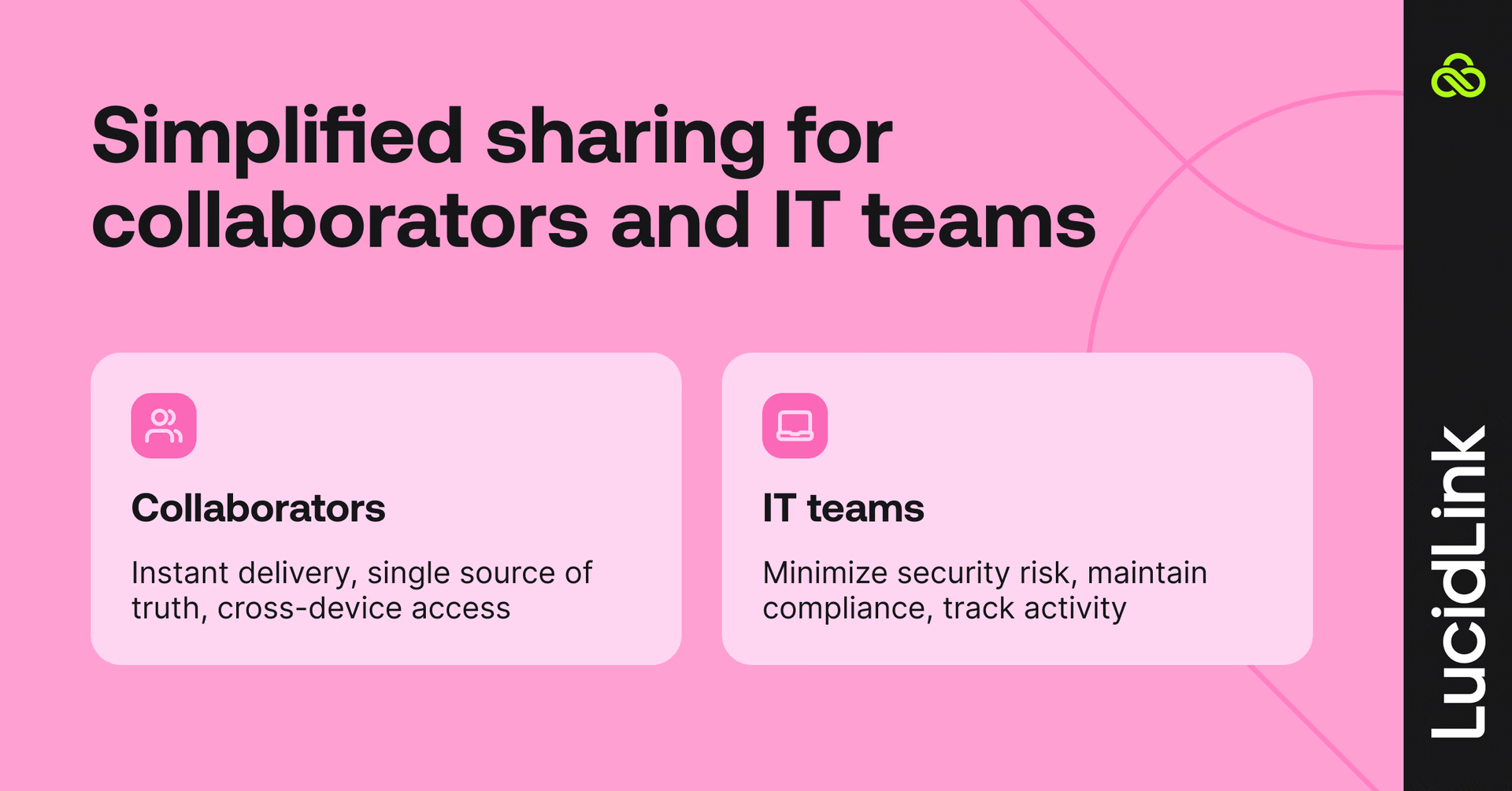
Who it’s for
For collaborators:
Send off assets or preview files
Avoid reuploads or version confusion
Let clients access final files easily — even on mobile
For IT:
Minimize tools and surface area for risk
Maintain governance and compliance
Retain full auditability, even for external sharing
Available now
Guest Access is available on all new LucidLink plans and accessed via the web dashboard. (Not available on Classic filespaces.)
Explore more LucidLink features
Keep reading
Product & news
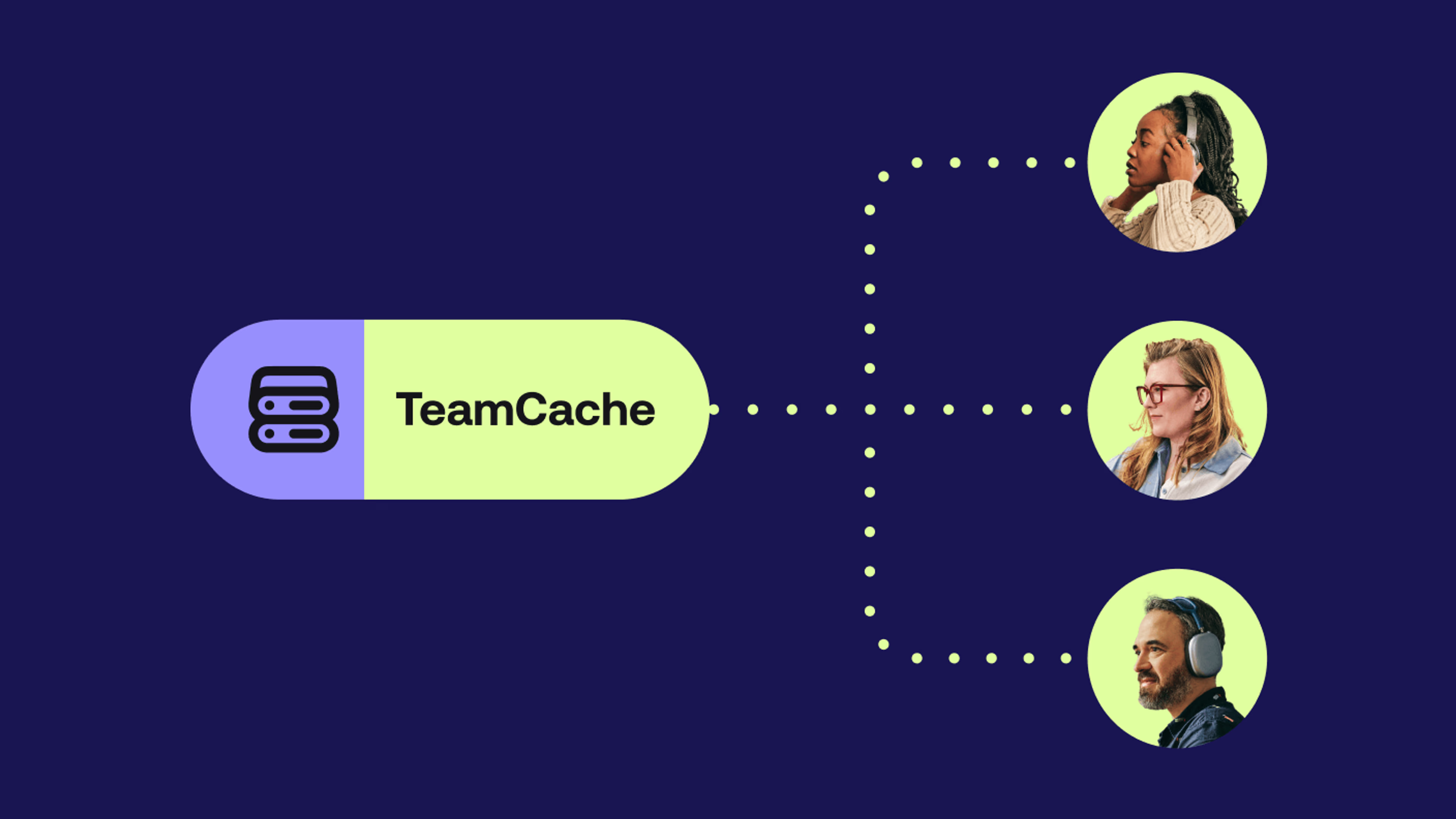
Introducing TeamCache: local-speed access for your whole office
Stream once, cache on-site and give your whole team instant access to LucidLink files at local-network speed, no bandwidth upgrades needed.
02 April 2026, 4 mins read
Product & news
New in LucidLink: faster reads, activate existing storage
Read speeds up to 100% faster, LucidLink Connect now generally available and new mobile updates. Here's what's new in LucidLink this March.
01 April 2026, 2 mins read
Product & news
Introducing LucidLink Connect: put data to work, wherever it lives
LucidLink Connect lets teams access and stream data where it already lives, without migration, duplication or long download delays.
05 March 2026, 4 mins read
Join our newsletter
Get all our latest news and creative tips
Want the details? Read our Privacy Policy. Not loving our emails?
Unsubscribe anytime or drop us a note at support@lucidlink.com.